

In short
- Check compatibility and carrier lock before ordering.
- Save the QR code on a second screen or print it.
- Install and activate only according to the provider's instructions.
Before ordering: check the phone
Confirm the exact smartphone model supports eSIM and is not locked to another carrier. Check available eSIM slots and whether dual SIM can keep the home number active. A generic model name is not enough because regional versions can differ.
Keep the QR code accessible
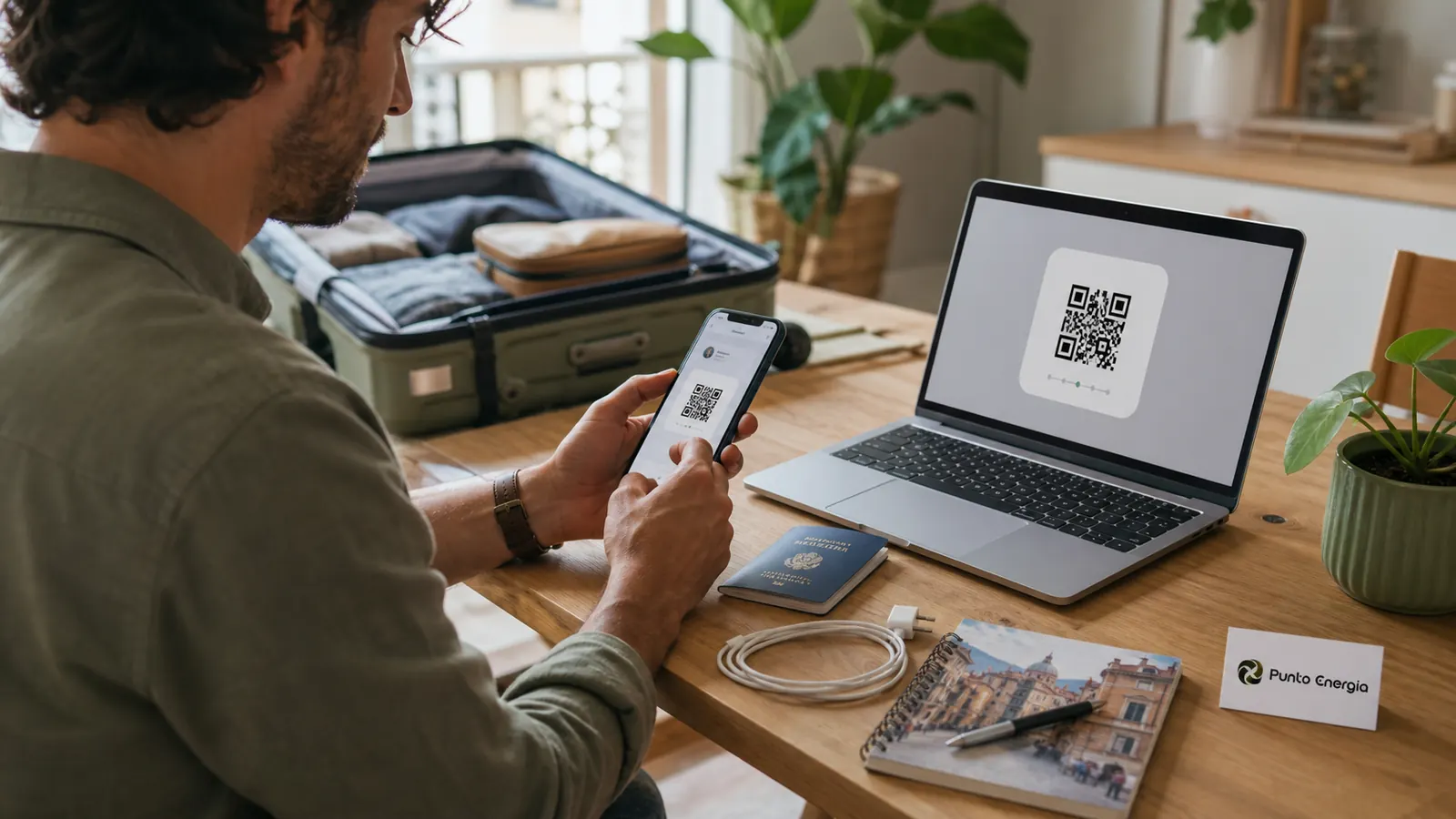
If the QR code arrives by email, open it on a laptop or another phone, or print it. A phone cannot normally scan a QR code displayed on the same screen without an alternative setup method. Keep the email until the connection works and do not share the code publicly.
Install at home, activate at the correct time
Use stable Wi-Fi and follow the provider's timing. Some travel eSIMs can be installed before departure but should connect only after arrival; others start validity during installation. Never guess: read the activation instructions for the specific plan.
Choose the correct data line
After installation, give the lines clear names such as “Home” and “Italy”. Select the Italy eSIM for mobile data, keep the home line only for calls or messages if required, and disable data switching if it could create roaming charges. Data roaming may need to be enabled on the travel line, not on the home line.
Test hotspot and essential apps
Check maps, messaging, train tickets, email and hotspot after the network appears. Download offline maps and travel documents as a backup. Coverage can vary inside old buildings, coastal areas and mountain valleys.
If activation fails
- Connect to reliable Wi-Fi.
- Restart the phone and toggle airplane mode.
- Check that the eSIM line is enabled and selected for data.
- Verify APN instructions supplied by the operator.
- Do not delete the eSIM unless support explicitly tells you to do so.
Apple's official travel guidance confirms that supported iPhones may store multiple eSIMs and that a Wi-Fi or hotspot connection is commonly required for setup: using eSIM while travelling.
Continue from here
FAQ
Should I activate the eSIM before flying?
Install or activate it only according to the specific provider's instructions, because the validity period may start at different moments.
Can I scan the QR code from the same phone?
It is safer to display the code on another device or print it, unless the provider supplies a direct installation method.
Should I delete an eSIM that does not connect?
No. Deleting it may invalidate a single-use QR code. Contact support first.